
Skip to content

Best Gaming Monitors Reviewed

Elena Rodríguez Elena Rodríguez 8 min read

How We Ranked the Best Gaming Monitors

A good game monitor review should do more than repeat spec sheets—it should translate them into purchase decisions. The rankings below are based on desk research: manufacturer specifications and manuals, plus widely documented user-report patterns such as firmware quirks and burn-in mitigation behavior. No claims here depend on hands-on lab testing or in-house measurements.

At a glance in September 2026: ASUS ROG's ROG Swift OLED PG32UCDM is the most complete do-everything premium pick; Samsung's Odyssey OLED G8 is the most feature-rich 32-inch OLED with a built-in smart platform; ASUS ROG's ROG Strix XG27AQMR is the purest high-refresh IPS gaming play; and Dell's G2724D remains the value anchor for a 1440p IPS setup.

The first criterion is motion—refresh rate, VRR behavior, and the interfaces that actually let you hit the advertised numbers. The second is image character: OLED contrast and per-pixel control versus IPS consistency and lower risk of image retention. The third is HDR credibility and expectations management, and the fourth is connectivity and platform friction—how much the monitor helps or complicates the rest of your setup.

Key takeaways, distilled: prioritize refresh rate plus VRR first; match resolution to the GPU you actually own; treat HDR badges as minimums, not guarantees; pick OLED for contrast and response, IPS for value and consistency; and double-check port versions before you buy.

Reviewed by Elena Rodríguez Updated How we rate

At a Glance

  • Best overall ASUS ROG Swift OLED PG32UCDM 31.5-inch 4K, 240 Hz, HDMI 2.1 plus DisplayPort 1.4 DSC, Dolby Vision support, and DisplayHDR 400 True Black certification
  • Best feature-rich OLED Samsung Odyssey OLED G8 4K at up to 240 Hz, HDR10/HDR10+ Gaming, full smart feature stack including Tizen, HDMI 2.1 and DisplayPort 1.4
  • Best high-refresh IPS ASUS ROG Strix XG27AQMR 27-inch 2560 x 1440, Fast IPS, 300 Hz, DisplayHDR 600 compliance for competitive speed with meaningful HDR highlights
  • Best value 1440p IPS Dell G2724D QHD 2560 x 1440, Fast IPS, DisplayPort 165 Hz and HDMI 144 Hz, DisplayHDR 400 and broad adaptive-sync support

Key Takeaways

  • Prioritize refresh rate plus VRR first; match resolution to the GPU you actually own.
  • Double-check port versions before you buy; HDMI 2.1 and DisplayPort 1.4 DSC are the modern standard.
  • OLEDs are resilient, but static elements are still the risk case; use the panel's protection features for static UI-heavy games.
  • IPS HDR depends heavily on local dimming and peak highlight behavior; even DisplayHDR 600 won't mimic OLED black levels.

Motion and Refresh Rate Matter Most

ASUS ROG lists the ROG Swift OLED PG32UCDM at 240 Hz in 4K with DisplayPort 1.4 DSC and two HDMI 2.1 ports, which is exactly the port mix that makes a modern high-end PC or console setup straightforward without resorting to adapters. ASUS ROG also positions the ROG Strix XG27AQMR around speed first: its official product page calls out a 300 Hz refresh rate at 2560 x 1440 on a Fast IPS panel, plus VRR support. Dell's own G2724D listing is refresh-rate-honest in a way buyers should appreciate: it specifies 165 Hz over DisplayPort and 144 Hz over HDMI at 2560 x 1440, which is the kind of footnote that matters when you're comparing computer monitor reviews gaming-focused.

Gaming monitor rear ports showing DisplayPort and HDMI connectors
DisplayPort and HDMI port versions determine whether you actually reach the advertised refresh rate

Top Gaming Monitors Compared

Our rankings are based on desk research: manufacturer specifications and manuals, plus widely documented user-report patterns. Each monitor is evaluated against motion clarity, image character, HDR credibility, and connectivity.

ASUS ROG Swift OLED PG32UCDM

ASUS ROG Swift OLED PG32UCDM

Best Overall

31.5-inch 4K QD-OLED at 240 Hz with HDMI 2.1, DisplayPort 1.4 DSC, Dolby Vision support, and DisplayHDR 400 True Black certification. The headline is balance: peak image quality and speed with USB-C 90 W Power Delivery plus SPDIF optical output.

9.2/10
Editorial score
  • Premium cost
  • usual OLED static-UI precautions apply
  • requires protection features for UI-heavy games
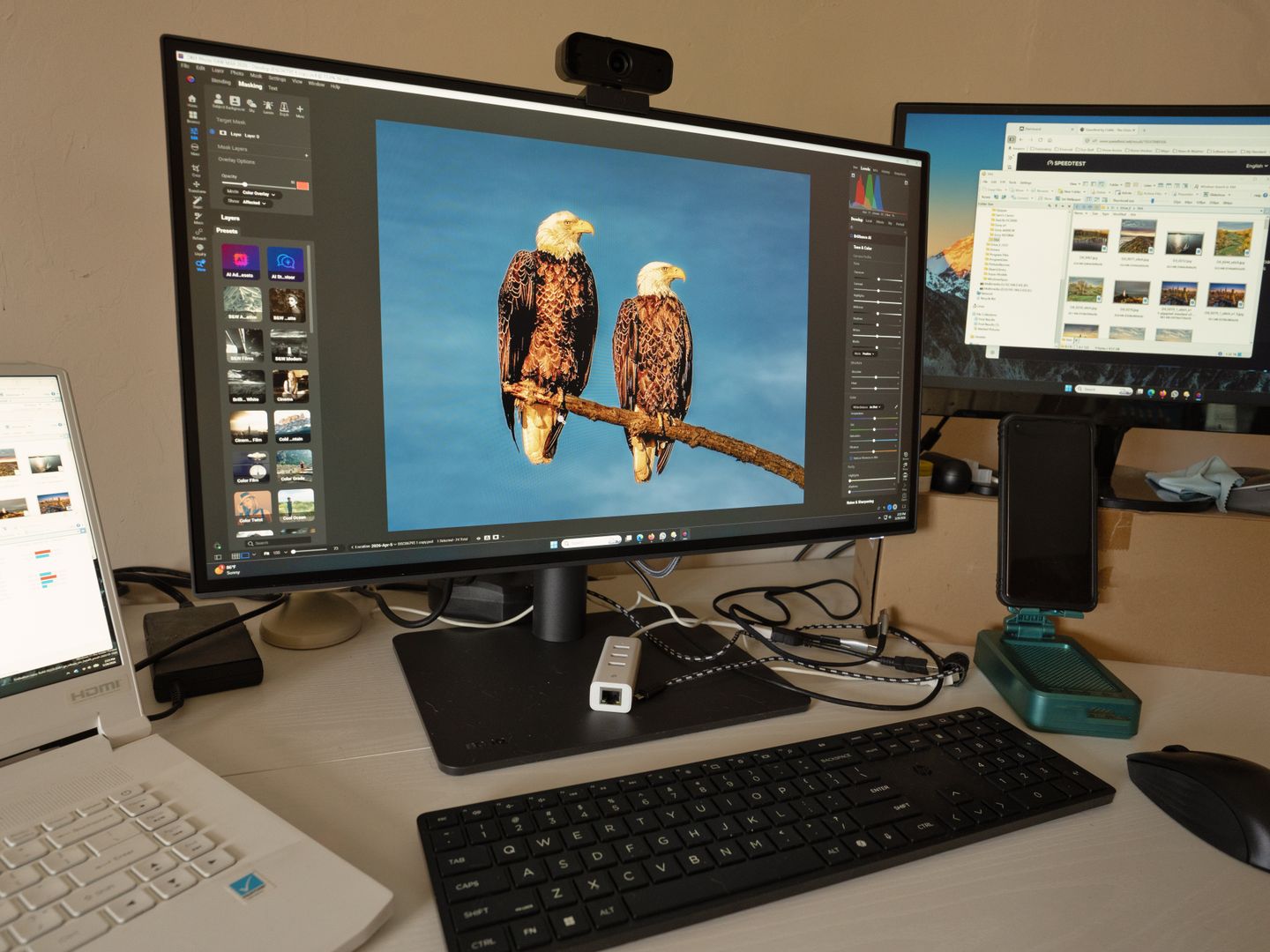
Samsung Odyssey OLED G8 (G80SD)

Samsung Odyssey OLED G8 (G80SD)

Best Feature-Rich

32-inch 4K OLED at up to 240 Hz with HDR10/HDR10+ Gaming, Tizen operating system, built-in speakers, Wi-Fi, Bluetooth, HDMI 2.1, and DisplayPort 1.4. A hybrid for people who want a monitor that can also run apps and accept a remote.

8.9/10
Editorial score
  • Extra menus and updates
  • more settings to tame before cleanest picture
  • smart features add complexity
ASUS ROG Swift OLED PG27AQDM

ASUS ROG Swift OLED PG27AQDM

Best 1440p OLED

27-inch 2560x1440 WOLED panel at 240 Hz over DisplayPort with DisplayPort 1.4 DSC and two HDMI 2.0 ports, plus a 2-year warranty including panel burn-in coverage. The compromise is HDMI 2.0 connectivity for console workflows versus HDMI 2.1 alternatives.

8.7/10
Editorial score
  • HDMI 2.0 only
  • less future-friendly for consoles
  • standard OLED static-UI care required
ASUS ROG Strix XG27AQMR

ASUS ROG Strix XG27AQMR

Best High-Refresh IPS

27-inch 2560 x 1440 Fast IPS at 300 Hz with DisplayHDR 600 compliance, framed around competitive speed. The drawback is IPS HDR reliance on local dimming; even with DisplayHDR 600, it won't mimic OLED black levels.

8.4/10
Editorial score
  • 1440p 300 Hz Fast IPS
  • DisplayHDR 600
  • blur-reduction features
  • VRR support
  • competitive motion clarity
Dell G2724D

Dell G2724D

Best Value 1440p

27-inch QHD 2560 x 1440 Fast IPS at 165 Hz over DisplayPort and 144 Hz over HDMI, with DisplayHDR 400 and broad adaptive-sync support. The safest recommendation when you want strong fundamentals without paying OLED premiums.

8.1/10
Editorial score
  • DisplayHDR 400 is basic HDR
  • no OLED contrast
  • HDMI limited to 144 Hz

OLED versus IPS Trade-offs

OLED Strengths

  • Deep blacks and per-pixel control deliver dimensional HDR and immediate pixel response.
  • QD-OLED and WOLED panels offer cleanest best screens for gaming look with genuine contrast.
  • Zero motion blur and fastest response times ideal for competitive gaming.
  • DisplayHDR True Black certification on premium models like PG32UCDM guarantees emissive performance.

OLED Considerations

  • Static UI elements remain the risk case; panel protection features are mandatory for UI-heavy games.
  • Burn-in coverage exists but typically excludes commercial use and misuse per warranty terms.
  • Premium cost compared to IPS; requires active screen care and maintenance routines.
  • HDMI 2.0 on some models limits future console compatibility versus HDMI 2.1 alternatives.

OLED Contrast and IPS Consistency

OLED Contrast and IPS Consistency

Image Character

If you want the cleanest best screens for gaming look—deep blacks, immediate pixel response, and HDR that feels dimensional—OLED is still the premium lane. ASUS ROG's PG32UCDM is a QD-OLED 31.5-inch panel and is explicitly certified for VESA DisplayHDR 400 True Black, while also listing Dolby Vision support in the same spec sheet. Samsung's own specifications for the Odyssey OLED G8 list a 32-inch 4K panel at up to 240 Hz with 0.03 ms GtG, HDR10 and HDR10+ Gaming, typical brightness of 250 cd/㎡, and a stated 1,000,000:1 static contrast ratio.

IPS is the workhorse for players who want speed with predictable subpixel rendering and fewer long-session worries.

Quick Specification Comparison

Model Resolution Max Refresh HDR / Panel
ASUS ROG Swift OLED PG27AQDM 2560x1440 240 Hz WOLED; 1,000 cd/㎡ peak
Dell G2724D 2560 x 1440 165 Hz (DP) / 144 Hz (HDMI) DisplayHDR 400; Fast IPS

All values from manufacturers' published specifications; refresh rates shown at native resolution over listed connections.

The Verdict

If budget allows and you want the cleanest blend of speed, resolution, HDR support, and modern ports, the ASUS ROG ROG Swift OLED PG32UCDM is the strongest single-monitor choice. If you want an OLED that also behaves like a standalone entertainment hub, Samsung's Odyssey OLED G8 is the most distinctive alternative. If your priority is pure competitive motion clarity and you prefer IPS, the ASUS ROG ROG Strix XG27AQMR is the sharpest fit. And if you just want a high-confidence, high-value 1440p IPS gaming monitor, Dell's G2724D is still the recommendation that's hardest to regret.

View all reviews

Stay Updated

Explore More Monitor Reviews and Comparisons

Discover detailed reviews, buying guides, and expert comparisons to help you choose the perfect gaming monitor for your setup.

Explore additional in-depth reviews, buying guides, and comparisons to find the perfect display for your gaming setup.

Sources

  1. ASUS ROG — ROG Swift OLED PG32UCDM - Tech Specs
  2. Samsung — 32" 4K UHD G80SD Odyssey OLED G8 Gaming Monitor | Samsung US
  3. ASUS ROG — ROG Swift OLED PG27AQDM - Tech Specs
  4. ASUS ROG — ROG Strix XG27AQMR | Monitors | ROG USA
  5. Dell — Dell 27 Gaming Monitor - G2724D
  6. VESA Certified DisplayHDR™ — Performance Criteria 1.2 TB1400 260708 - VESA Certified DisplayHDR™