Skip to content

Spec-First Monitor Picks for Work and Play

Find the Right Display Based on Documented Specs and Public Research

Monitor Maven publishes desk-research verdicts drawn from manufacturer specifications, product documentation, retailer pricing, published customer ratings, and independent reporting—without claiming any in-house lab measurements. Each recommendation is grounded in comparing official specs against editorial criteria for gaming, creative work, and everyday productivity. Ready to narrow it down? Start with the top picks or dive into a quick comparison.

Top Picks for September 2026

Five widely searched displays, summarized from official specs and public reporting.

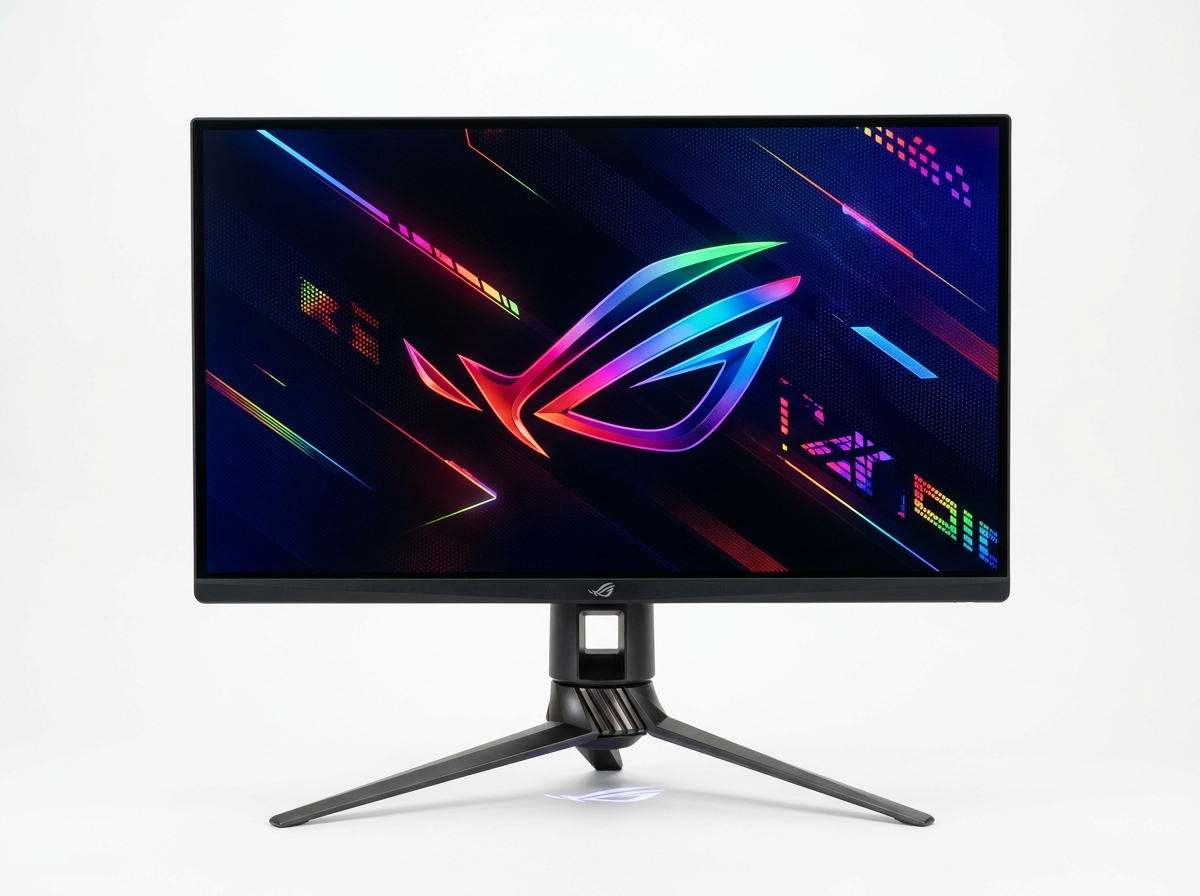
ASUS ROG Swift PG27AQDM

ASUS ROG Swift PG27AQDM

Best QHD OLED

A 27-inch QD-OLED panel at 2560×1440 with a 240Hz max refresh rate specified by ASUS, built for high-speed gaming with wide color coverage and rapid response.

N/A
Editorial score
  • QHD 240Hz on QD-OLED
  • wide DCI-P3 coverage listed
  • fast response time specified
  • HDMI 2.1 and DisplayPort connectivity listed.
  • Not 4K resolution
  • OLED requires care with static content
  • premium pricing varies by retailer.
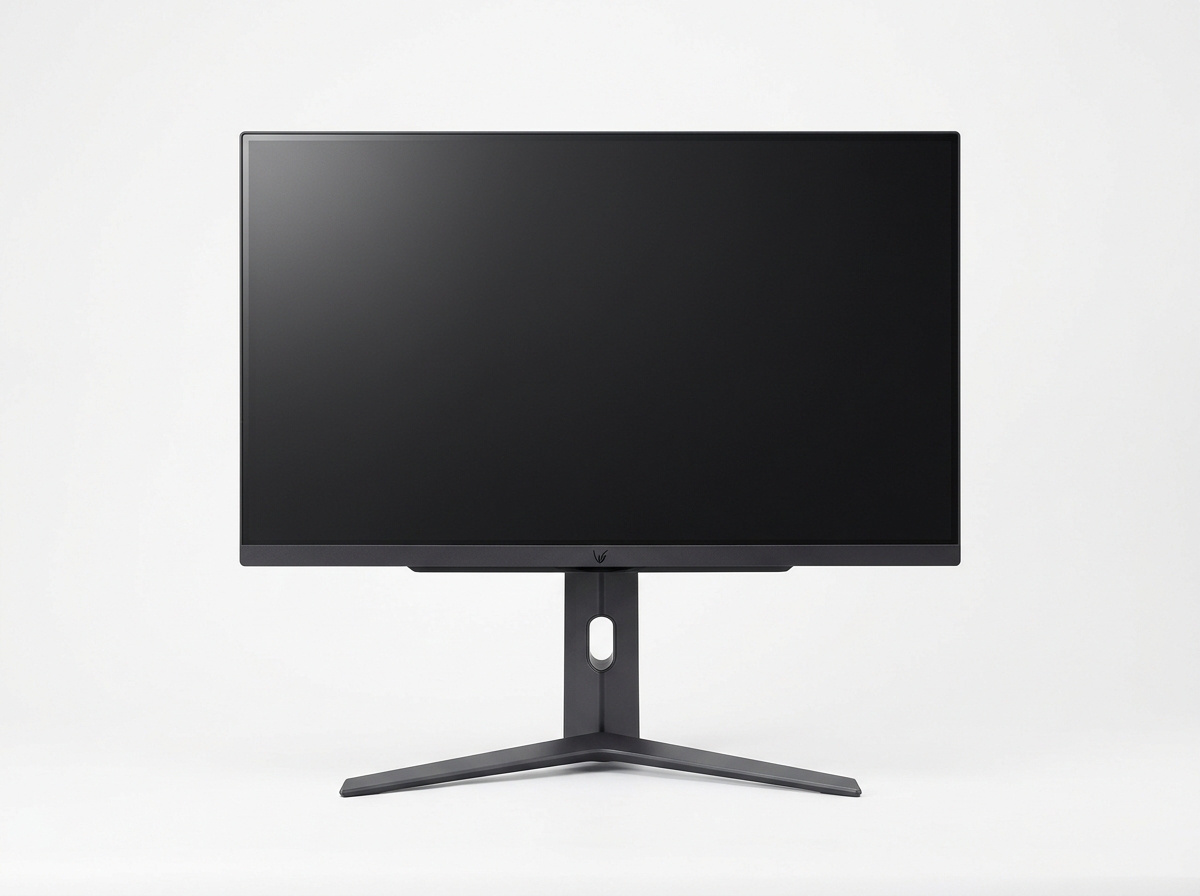
LG 27GR95QE-B UltraGear OLED

LG 27GR95QE-B UltraGear OLED

Best Esports OLED

A 27-inch OLED display specified for 2560×1440 at 240Hz, designed for competitive play with rapid response and DisplayHDR True Black 400 listed in LG specs.

N/A
Editorial score
  • Not 4K resolution
  • OLED static-content considerations apply
  • higher price point than IPS alternatives.
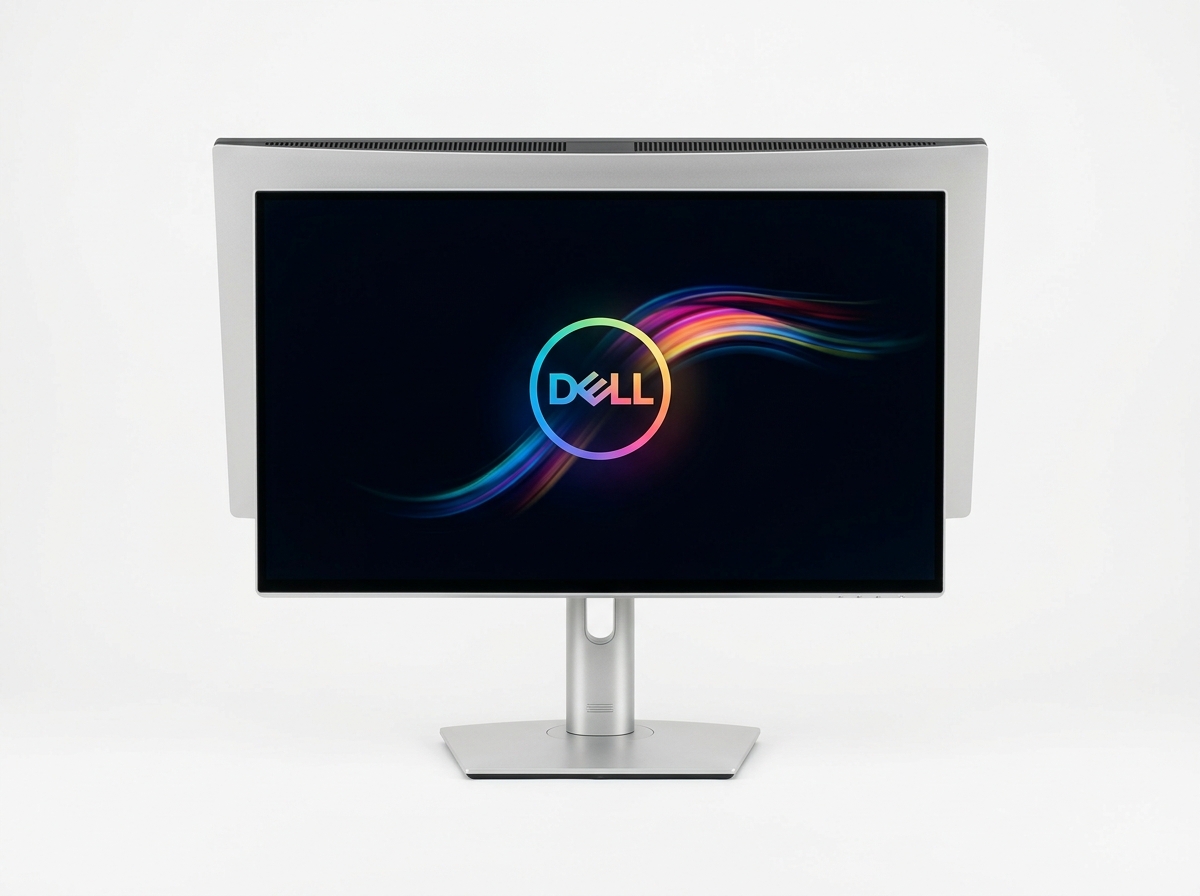
Dell UltraSharp U2723QE

Dell UltraSharp U2723QE

Best 4K Productivity

A 27-inch 16:9 IPS Black 4K display specified at 3840×2160 at 60Hz, built as a USB-C hub monitor with 90W USB Power Delivery and an RJ45 Ethernet port listed in Dell specs.

N/A
Editorial score
  • USB-C hub with 90W PD
  • RJ45 (1GbE) listed
  • wide-gamut coverage listed (including 98% DCI-P3)
  • Dell lists 3-Year Advanced Exchange Service and Premium Panel Exchange.
  • 60Hz refresh rate
  • not positioned for high-refresh play
  • no built-in speakers listed.
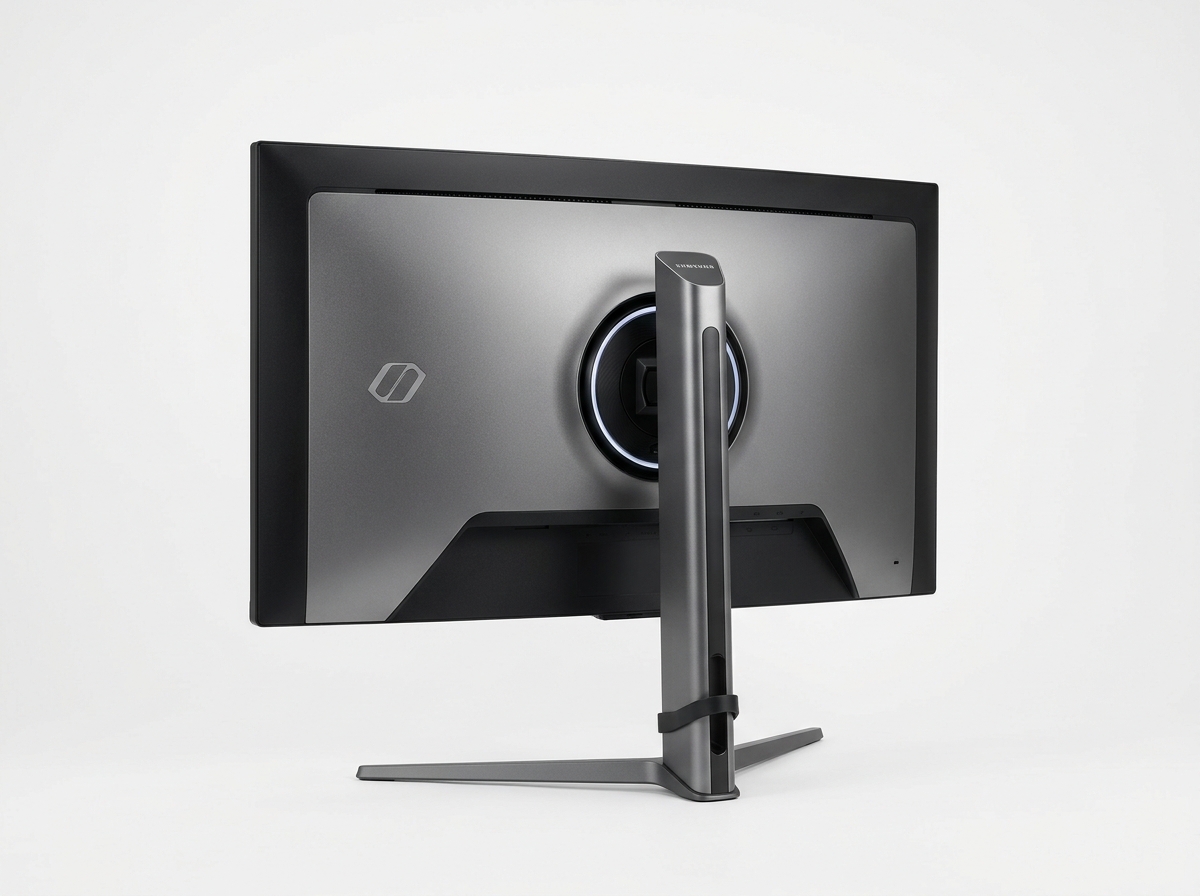
Samsung Odyssey G8 OLED G80SD

Samsung Odyssey G8 OLED G80SD

Best Smart Display

A 32-inch 4K OLED with 240Hz refresh rate specified by Samsung, featuring built-in smart apps and streaming capability without requiring a connected PC.

N/A
Editorial score
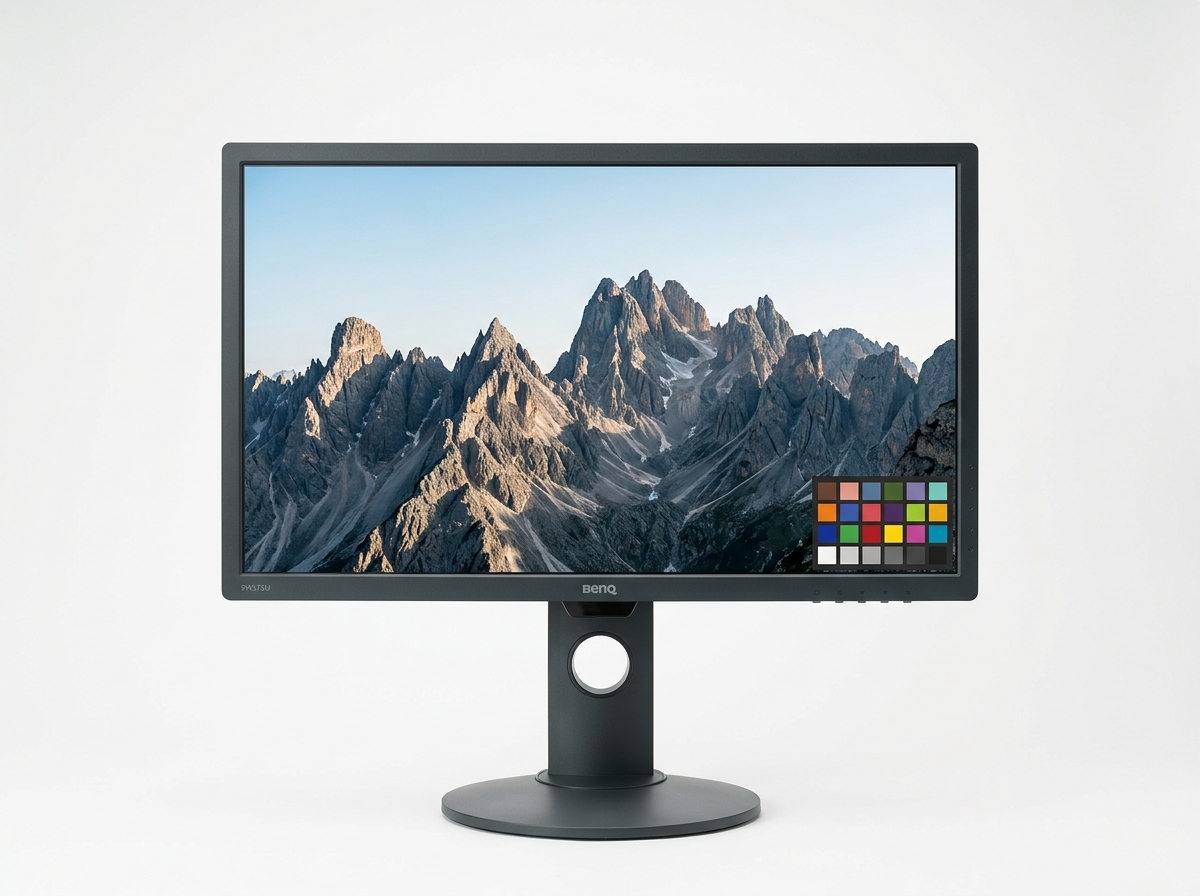
BenQ SW272U

BenQ SW272U

Best Color Accuracy

A 27-inch 4K IPS display specified at 3840×2160 at 60Hz, factory-calibrated and aimed at color-critical work with hardware calibration support and wide gamut coverage listed by BenQ.

N/A
Editorial score
  • Factory calibration included
  • hardware calibration support listed
  • 99% Adobe RGB and 95% DCI-P3 specified
  • USB-C with 65W PD.
  • 60Hz refresh rate
  • not aimed at gaming
  • higher price than general-purpose 4K displays.

Latest Reviews and Guides

New write-ups land as models change and lineups refresh; each post includes a short excerpt, the publish date, and the author byline for quick context.

BenQ SW272U: Review
Marcus Chen

BenQ SW272U: Review

BenQ SW272U reviewed from published specs and expert reports. 99% Adobe RGB, 4K IPS for photo work—but is $1,499 justified? Desk research verdict inside.

All reviews

What Changes the Experience

Four spec levers that usually decide satisfaction before the return window closes.

Refresh Rate Headroom

60Hz, 165Hz, 240Hz, and 540Hz are not interchangeable—match the ceiling to the kind of motion you actually care about.

Panel Tradeoffs

IPS Black, Fast IPS, and OLED each push a different balance of contrast, viewing angles, response behavior, and long-term risk.

Port Map Matters

Look for the exact mix you need—HDMI 2.1 versus DisplayPort versions, USB hub capability, and whether USB-C Power Delivery is part of the package.

Shape and Pixels

16:9 4K, 16:9 QHD, and 32:9 DQHD change everything from text scaling to window layout and game support.

Before You Pick a Size

The most common regret is not wrong brand—it is choosing a format that does not match how the desk is used. A 27-inch 4K screen like the Dell UltraSharp U2723QE can be a clean fit for text-heavy work and sharp UI, especially when USB-C and Ethernet simplify a single-cable setup. A 32-inch 4K OLED like the ASUS ROG Swift OLED PG32UCDM leans into high refresh and deep contrast, but it also brings OLED-specific considerations: static elements, usage patterns, and warranty terms. A 49-inch 32:9 option like the Samsung Odyssey OLED G9 (G95SC) can replace a dual-screen layout for some workflows, yet it also raises compatibility questions for certain games and apps.

How we review

Next move

Pick a Display That Fits Your Workflow

Start from a top pick, then cross-check a short comparison before you order.