Skip to content

Top QD-OLED Monitors Guide

David Park David Park 8 min read

QD-OLED Monitor Buying Guide 2026

Choosing a QD-OLED gaming monitor in September 2026 is no longer about whether OLED is worth it — the technology has matured into a proven category. The decision now centers on pairing the right resolution, refresh rate, connectivity, HDR behavior and warranty terms to match your gaming style and desk setup.

The rankings below are based on comparing published manufacturer specifications, official product documentation and aggregated owner feedback against consistent criteria. No single model is objectively best — each balances different strengths. ASUS's ROG Swift OLED PG32UCDM leads for most users because it pairs a 31.5-inch 4K panel running at 240Hz with Dolby Vision support and a 3-year warranty that explicitly includes panel burn-in coverage.

GIGABYTE's AORUS FO32U2P is the forward-looking connectivity choice thanks to DisplayPort 2.1 UHBR20, enabling uncompressed 4K 240Hz pipelines. Dell's Alienware AW3225QF offers the curved 4K 240Hz experience with equally clear burn-in coverage. Samsung's Odyssey OLED G9 remains the reference ultrawide for immersion, and Dell's Alienware AW2725DF delivers QHD at 360Hz for competitive players who prioritize frame rate over pixel count.

The core decision: QD-OLED delivers spectacular HDR and near-instant pixel response, but it still asks you to think about your desktop habits. Static UI elements and long, repetitive usage patterns remain the stress cases. The best QD-OLED monitor for you is the one whose feature set and warranty terms match how you'll actually use it — not just the panel specification sheet.

Reviewed by David Park Updated How we rate

At a Glance

  • Best Overall ASUS ROG Swift PG32UCDM 31.5-inch 4K 240Hz with Dolby Vision and 3-year burn-in warranty coverage
  • Best Connectivity GIGABYTE AORUS FO32U2P DisplayPort 2.1 UHBR20 for uncompressed 4K 240Hz and future-proof bandwidth
  • Best Curved Dell Alienware AW3225QF
  • Best Ultrawide Samsung Odyssey OLED G9 49-inch 5120x1440 super-ultrawide at 240Hz for maximum immersion

Key Takeaways

  • Near-instant pixel response is standard across QD-OLED; the differentiator is refresh ceiling and connection bandwidth.
  • HDR certification and Dolby Vision support signal panels designed for modern HDR workflows, not just marketing badges.
  • Warranty terms matter: explicit burn-in coverage from ASUS and Dell changes the risk calculus for primary desktop use.
  • DisplayPort 2.1 UHBR20 enables uncompressed 4K 240Hz pipelines, but you need a compatible graphics card to exploit it.
  • QD-OLED image quality comes with QD-OLED responsibility: sensible static-content habits and buying the warranty terms, not just the panel.

Motion Clarity and Frame Pacing

QD-OLED panels deliver near-instant pixel response times as a baseline — this is the easy part of the technology. The meaningful performance differentiator is how high the refresh ceiling goes and how cleanly your graphics card and cable connection can feed it. Dell lists the Alienware AW2725DF as QHD 2560 x 1440 at 360Hz over DisplayPort, which represents the clearest «performance first» argument in this category.

For esports-style shooters and competitive titles where frame timing is paramount, 360Hz QD monitors remain the simplest recommendation. On the 4K side, most of the current QD-OLED contenders now converge on 240Hz — excellent for smoothness, but meaning you should choose based on features and connectivity rather than expecting one 4K 240Hz model to feel dramatically faster than another in motion clarity alone.

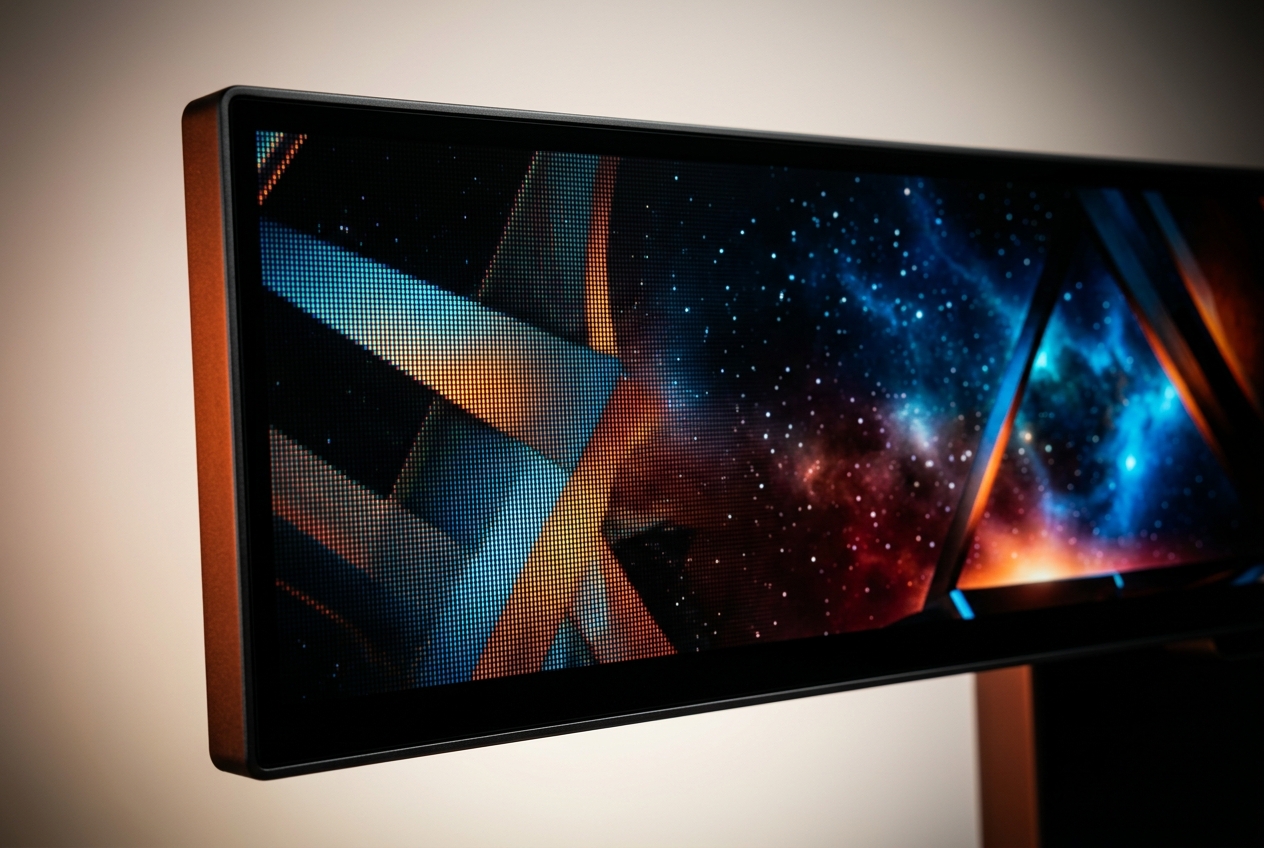
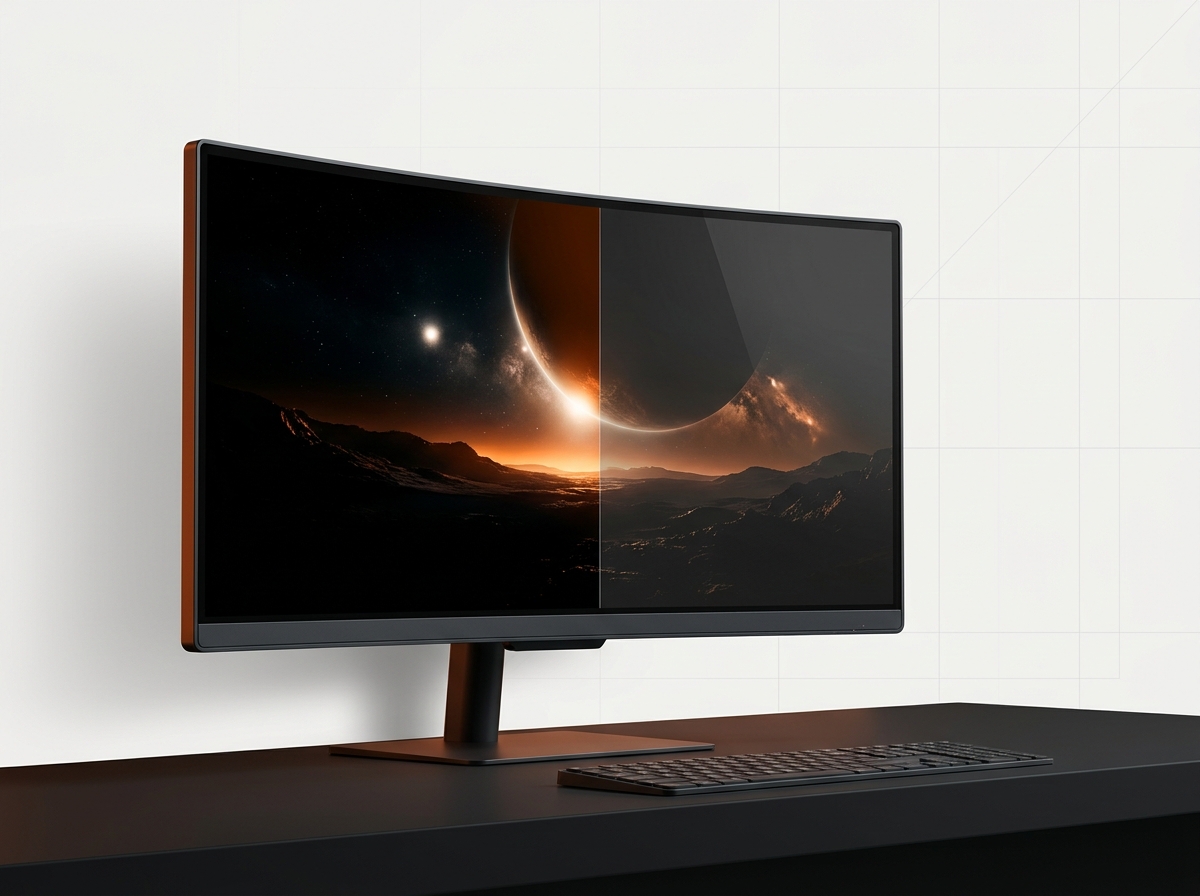
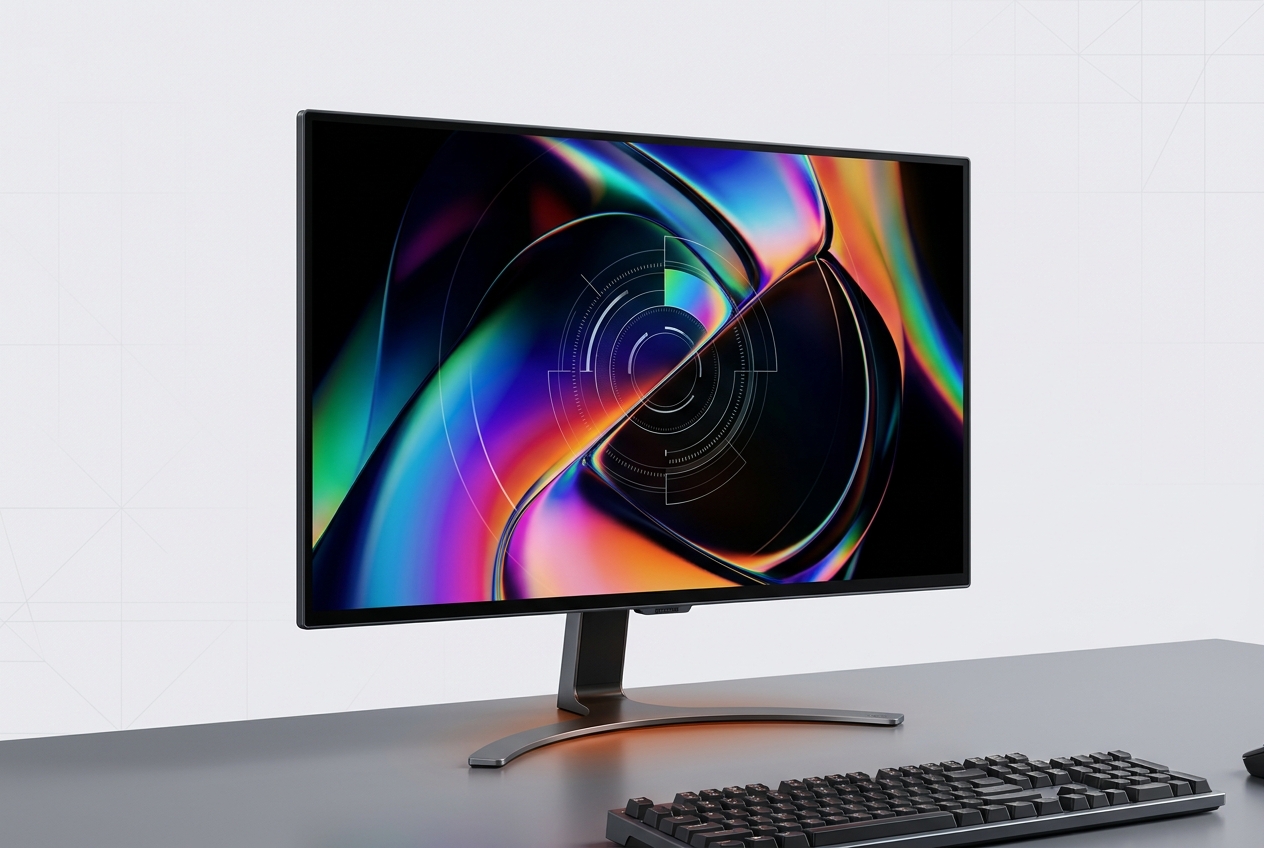
Close-up view of QD-OLED panel displaying high dynamic range content
QD-OLED technology delivers deep blacks and no blooming in HDR scenes

Top QD-OLED Monitors Ranked

These five models represent the strongest QD-OLED options in September 2026, ranked by the balance of resolution, refresh rate, connectivity, HDR support and warranty clarity.

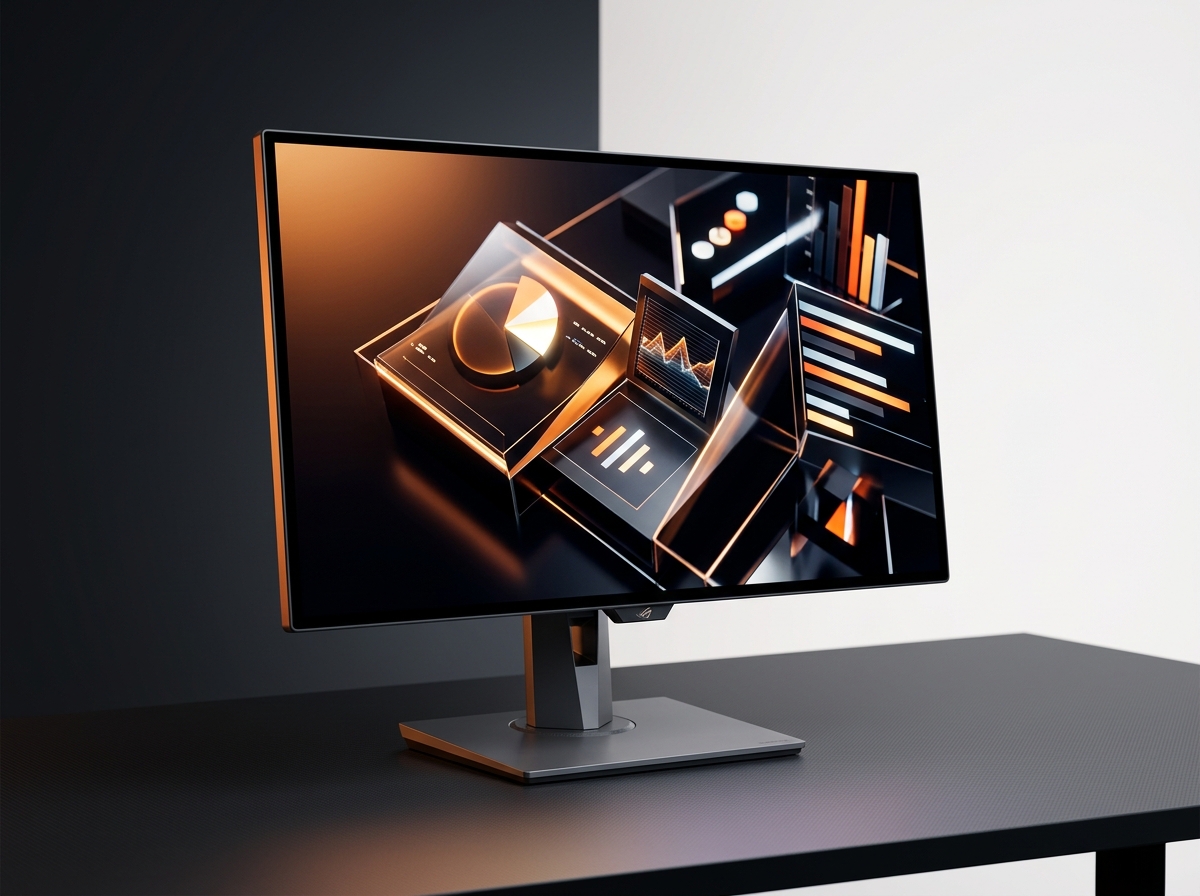
ASUS ROG Swift OLED PG32UCDM

ASUS ROG Swift OLED PG32UCDM

Best Overall

ASUS's flagship pairs a 31.5-inch 4K 240Hz QD-OLED panel with both HDR10 and Dolby Vision support, plus DisplayPort 1.4 DSC, dual HDMI 2.1 FRL ports and USB-C with 90W power delivery. The 3-year warranty explicitly includes panel burn-in coverage.

4.7/5
Editorial score
  • Premium-priced flagship class
  • demands basic UI hygiene despite built-in care features
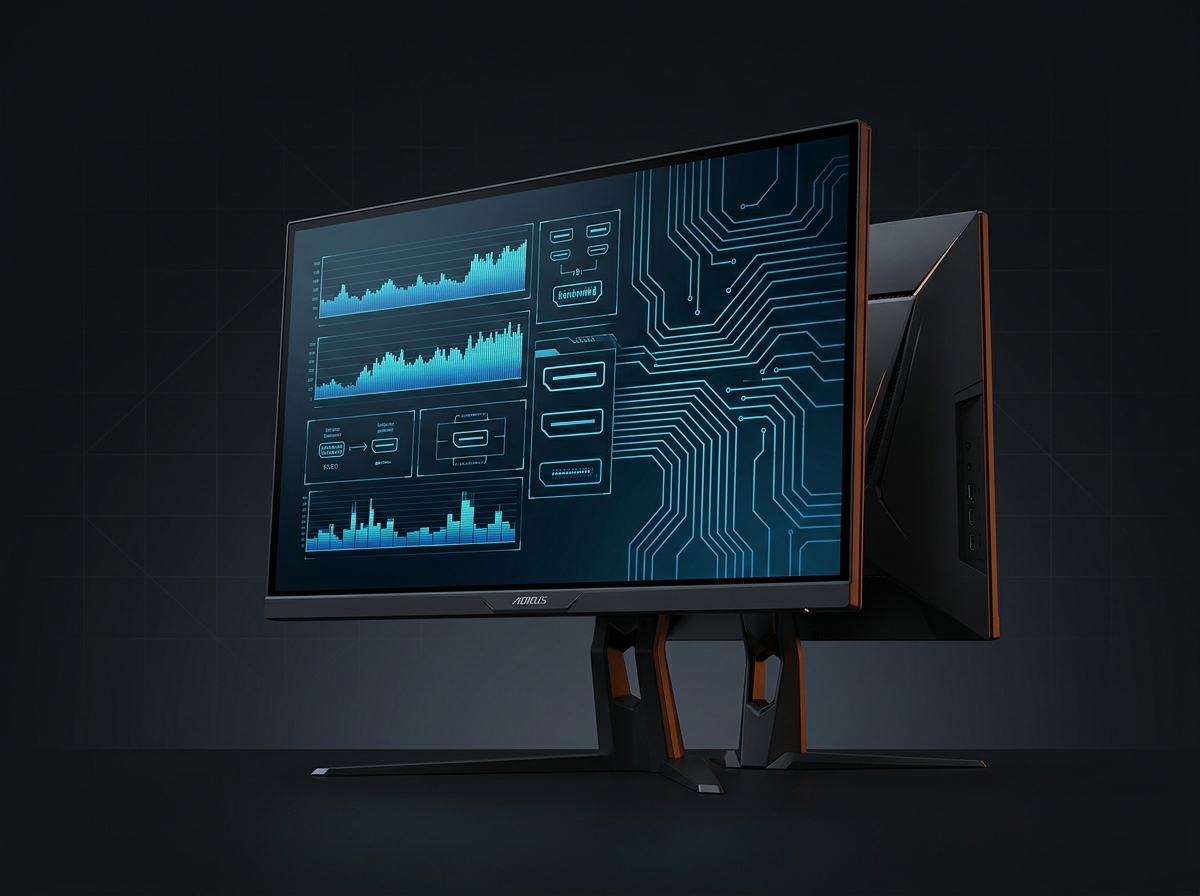
GIGABYTE AORUS FO32U2P

GIGABYTE AORUS FO32U2P

Best Connectivity

The FO32U2P is built around DisplayPort 2.1 UHBR20, delivering 80Gbps bandwidth for uncompressed 4K 240Hz pipelines. GIGABYTE positions this as the future-proofed link, though you need a compatible graphics card to exploit it fully.

4.6/5
Editorial score
  • DisplayPort 2.1 UHBR20 for uncompressed 4K 240Hz
  • 31.5-inch 3840 x 2160 panel at 240Hz
  • future-proof bandwidth
  • You pay for a capability your graphics card may not fully exploit yet
MSI MPG 321URX QD-OLED

MSI MPG 321URX QD-OLED

Best Value

MSI's specification page reads like a checklist of what most buyers want: 31.5-inch 4K 240Hz, DisplayHDR True Black 400, HDMI 2.1 at 4K 240Hz, and USB-C with 90W power delivery. It wins on balance and price pressure, not on a single signature feature.

4.5/5
Editorial score
  • Core 4K 240Hz spec stack without premium add-ons
  • DisplayHDR True Black 400
  • HDMI 2.1 capable of 4K at 240Hz
  • Less distinctive than top two
  • no Dolby Vision support mentioned
Dell Alienware AW3225QF

Dell Alienware AW3225QF

Best Curved

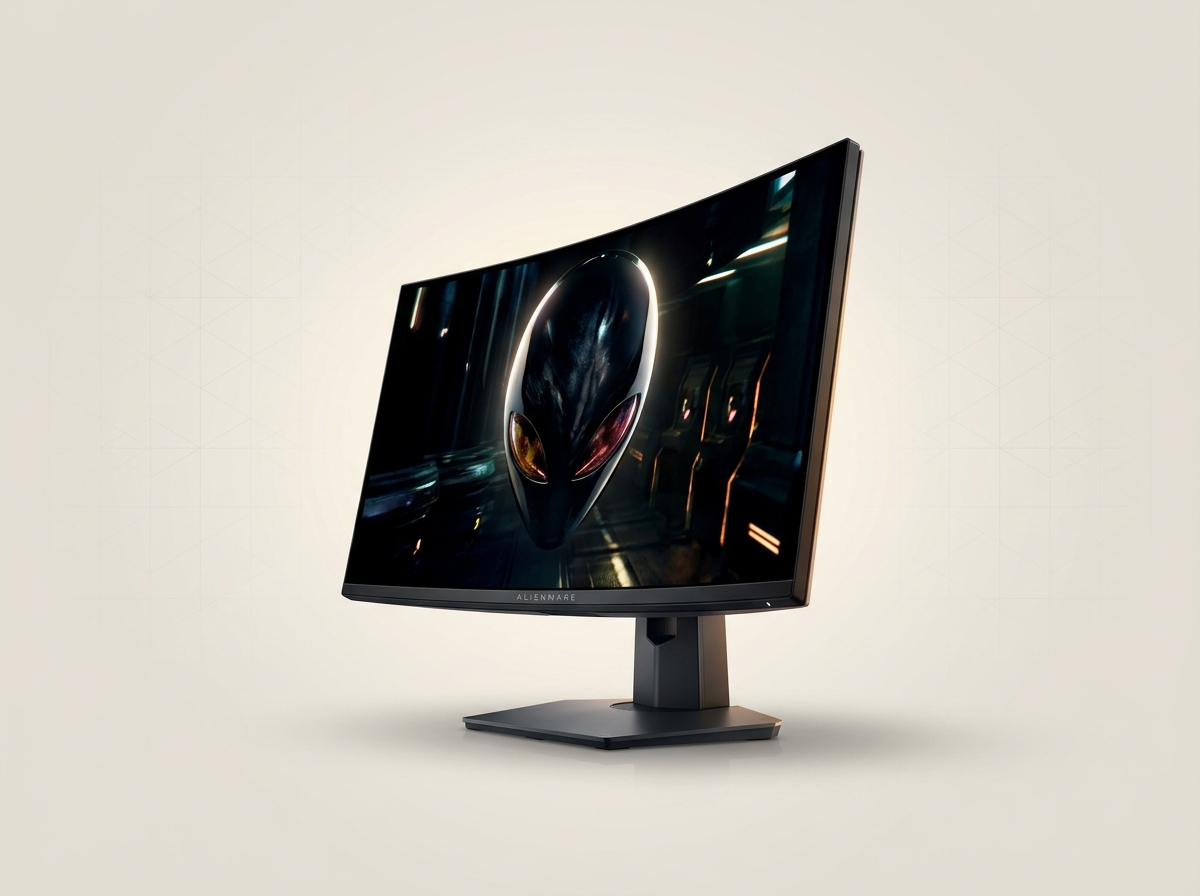
Dell's curved QD-OLED delivers 4K UHD 3840 x 2160 at 240Hz with 1700R curvature — enough wrap to feel immersive without becoming ergonomically awkward. Dolby Vision support and 3-year service with OLED burn-in coverage are both explicit in the listing.

4.6/5
Editorial score
  • Curve may not suit color-critical work
  • verify your apps tolerate curvature
Samsung Odyssey OLED G9

Samsung Odyssey OLED G9

Best Ultrawide

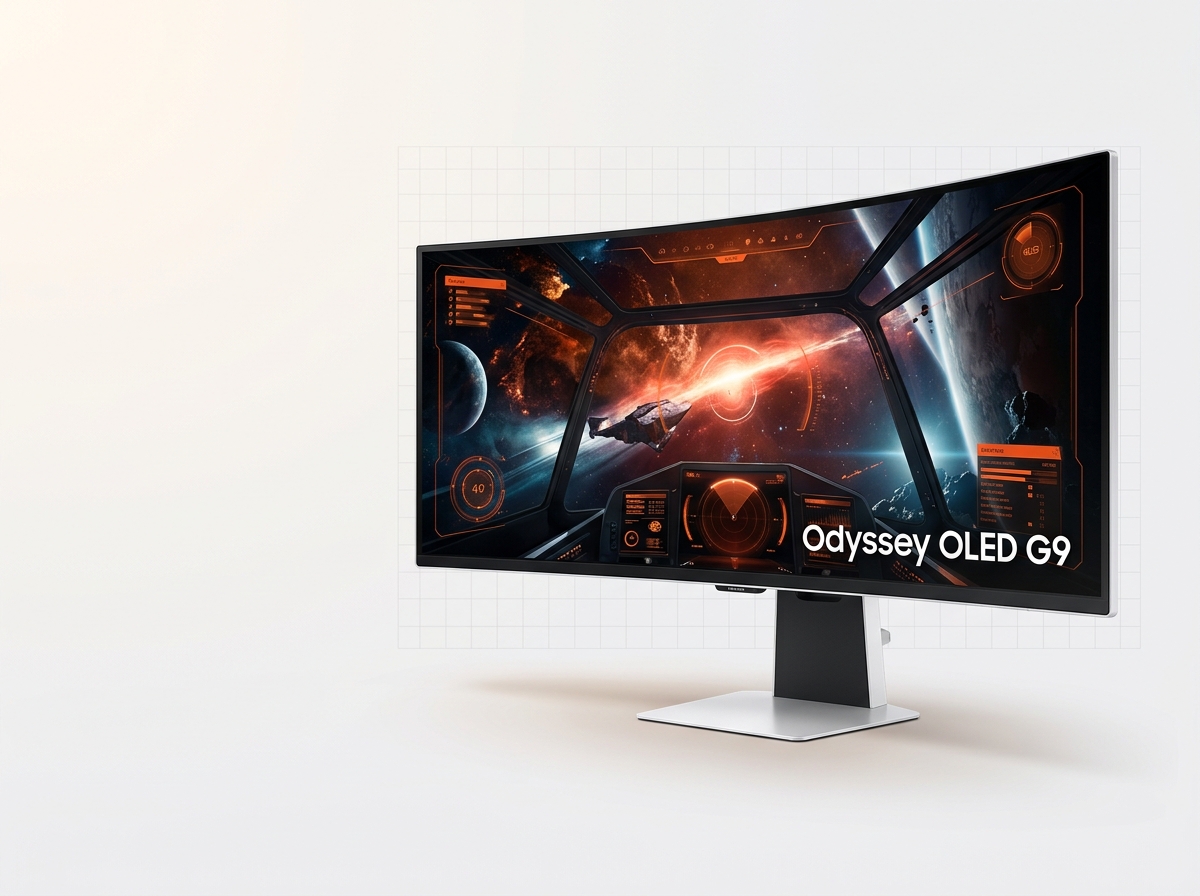
The 49-inch G95SC class offers 5120x1440 resolution, 1800R curvature and 240Hz max refresh. If your priority is more game world on screen, the 32:9 super-ultrawide format is the most dramatic step up you can make.

4.4/5
Editorial score
  • 49-inch 32:9 super-ultrawide changes how you play
  • 5120x1440 at 240Hz
  • 1800R curvature
  • Physically huge
  • demands deep desk
  • some games treat super-ultrawide as second-class for UI scaling

QD-OLED Monitors: Strengths and Trade-offs

Advantages

  • Near-instant pixel response eliminates motion blur
  • Deep blacks and no backlight blooming in HDR scenes
  • 240Hz ceiling on 4K models delivers smooth high-refresh gaming
  • Dolby Vision support on premium models for HDR mastering workflows
  • Explicit burn-in warranty coverage from ASUS and Dell

Limitations

  • Static UI elements and repetitive usage patterns remain stress cases
  • Premium pricing across the category
  • DisplayPort 2.1 requires compatible graphics card to exploit fully
  • Curved models may not suit color-critical professional work

HDR versus Everyday SDR Use

HDR versus Everyday SDR Use

HDR Behavior

People ask about HDR versus SDR because OLED's strengths show up immediately in HDR scenes — deep blacks, no blooming — but day-to-day desktop use is still SDR-heavy. The useful shortcut is certification and format support. VESA's DisplayHDR performance criteria spell out what tiers like DisplayHDR True Black 400 are designed to guarantee for emissive panels, including brightness targets for different window sizes. ASUS lists the PG32UCDM as supporting both HDR10 and Dolby Vision, while Dell also markets Dolby Vision on the AW3225QF — two signals that these panels are meant to be used with modern HDR workflows, not just to tick a checkbox.

The label is more meaningful than a marketing HDR-ready badge

Connectivity and Desk Reality Features

Once you're in the premium QD-OLED band, the question becomes: will it fit your setup cleanly?

Ports, Power Delivery and KVM

USB-C power delivery and KVM-style switching matter if you bounce between devices, and the display link matters if you want to avoid compression. ASUS lists the PG32UCDM with DisplayPort 1.4 DSC, two HDMI 2.1 FRL ports, and USB-C with 90W power delivery — exactly the kind of I/O mix that makes a high-end monitor feel like a hub instead of a single-purpose screen.

MSI lists the MPG 321URX QD-OLED with 2 x HDMI 2.1 capable of 4K at 240Hz, DisplayPort 1.4a, and USB-C with 90W power delivery, which is why it's often the «value» pick among spec-matched 4K 240Hz panels. If you want to lean hard into next-gen bandwidth, GIGABYTE positions the AORUS FO32U2P as an OLED gaming monitor with DisplayPort 2.1 UHBR20, and the company describes UHBR20 as enabling an 80Gbps link — an important distinction for buyers who want 4K 240Hz without relying on Display Stream Compression.

Find Your QD-OLED Monitor

Answer two questions to match your setup and gaming style with the right QD-OLED option.

What's your primary gaming focus?
What matters most to you?

All Options

  • ASUS ROG Swift PG32UCDM

    Best overall 4K 240Hz QD-OLED with Dolby Vision, USB-C power delivery and 3-year burn-in warranty coverage.

  • Dell Alienware AW2725DF

    QHD 2560 x 1440 at 360Hz for competitive players who prioritize frame rate over pixel count.

Final Verdict

4.6/5

If you want the cleanest single recommendation, ASUS's PG32UCDM is the best QD-OLED monitor to anchor a high-end setup because the feature set is complete and the warranty language is unusually clear. Pick the AORUS FO32U2P if DisplayPort 2.1 is the point, the MSI MPG 321URX if value is the point, Dell's AW3225QF if you want 4K 240Hz with a curve and explicit burn-in coverage, and Samsung's Odyssey OLED G9 if the ultrawide format is the whole reason you're upgrading. The main trade-off you're accepting, no matter what, is that OLED-class image quality comes with OLED-class responsibility: plan for sensible static-content habits and buy the warranty terms, not just the panel.

View All Reviews

Understanding QD-OLED Panel Technology

QD-OLED combines quantum dot color conversion with organic light-emitting diodes to deliver wider color gamut coverage and higher peak brightness than traditional WOLED panels. The technology uses a blue OLED emitter layer paired with quantum dot filters for red and green subpixels, eliminating the need for a white subpixel and a separate color filter layer. This architecture improves light efficiency and reduces the risk of color fringing at sharp edges. In practice, QD-OLED panels reach higher sustained brightness in smaller highlight windows compared to WOLED, making them better suited for HDR content with bright specular highlights against dark backgrounds. The trade-off remains the same as any OLED technology: static UI elements and prolonged exposure to the same image content can cause uneven pixel wear over time. Manufacturer specifications now regularly cite peak brightness figures exceeding 1000 nits for small windows, though full-screen sustained brightness remains lower to manage power and heat. For gaming, the instantaneous pixel response eliminates motion blur entirely, and the lack of a backlight means no blooming or halo effects around bright objects on dark backgrounds. Panel uniformity can vary between units, but the technology baseline is consistent: near-perfect black levels, per-pixel light control, and support for variable refresh rate standards including FreeSync and G-Sync.

Explore Reviews

Stay Informed

Explore Our Complete Monitor Review Library

In-depth reviews, buying guides and comparison articles for gaming and professional displays — all based on published specs and verified user reports.

Sources

  1. ASUS — ROG Swift OLED PG32UCDM - Tech Specs
  2. Dell — Alienware 32 4K QD-OLED Gaming Monitor - AW3225QF | Dell USA
  3. Dell — Alienware 27-inch 360Hz QD-OLED Gaming Monitor - AW2725DF | Dell USA
  4. MSI — MPG 321URX QD-OLED - Specification
  5. GIGABYTE — AORUS FO32U2P - GIGABYTE Global
  6. AORUS Official Store — AORUS FO32U2P 32" OLED 4K Gaming Monitor